Video walkthrough
Watch the route, then match the frames
Video chapters
5 stepsVideo references
Watch or inspect the route before you dive
Click YouTube cards to load the player. Open frame cards to compare local screenshot notes. Use the evidence to confirm landmarks, movement, and encounter pacing, then follow the written checklist below.
Biobed inventory upgrade route
Watch for: Biobed locations, inventory expansion value, and route planning for maximum carry space.
Upgrade route frame review
Watch for: Start with Inventory expansion upgrades at 00:25. Compare the screenshot cue, route note, and player action before following the guide in-game.
Hidden cache frame review
Watch for: Start with Inventory expansion upgrades at 01:15. Compare the screenshot cue, route note, and player action before following the guide in-game.
Video watch notes
What to pause, compare, and write down
Do not watch the video like entertainment only. Use these notes as a second-screen checklist: pause on landmarks, confirm the player action, then return to the written route.
Watchlist
Watch where the route starts and how the upgrade source is recognized.
Pause on hidden cache footage and note the landmark that makes it repeatable.
Compare inventory before and after the upgrade to see what routes become practical.
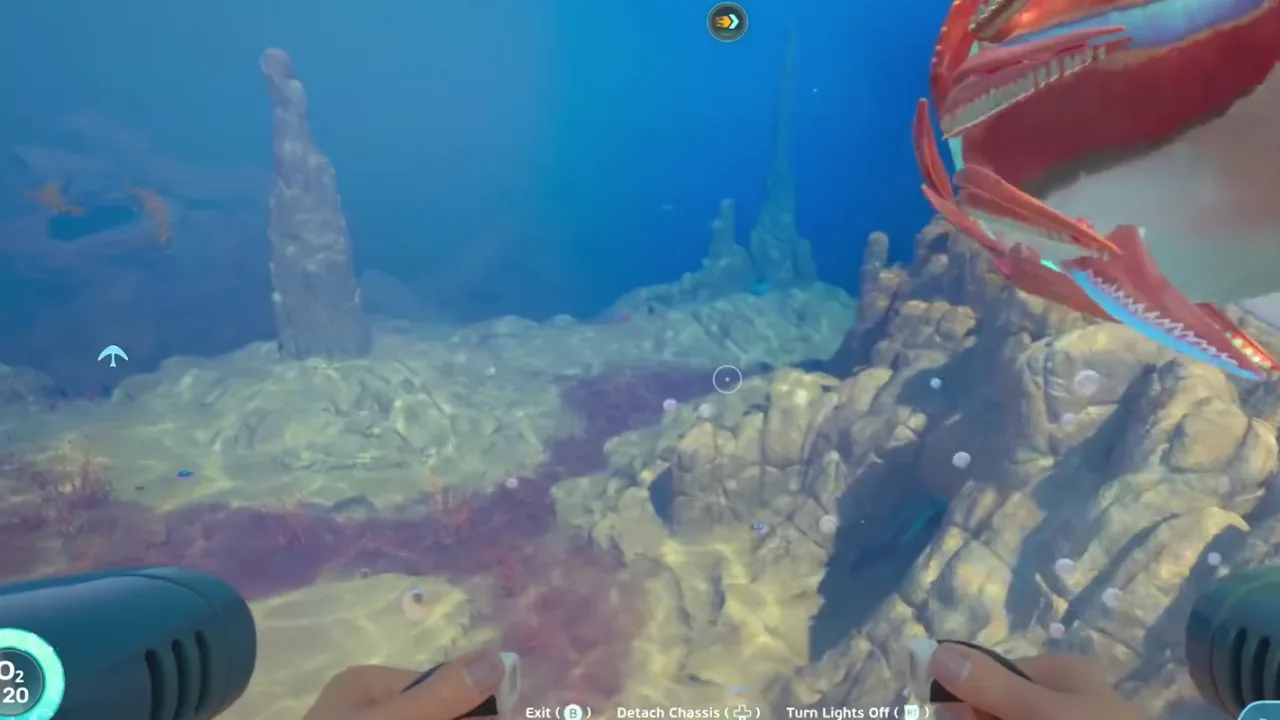
Upgrade route
The route frame gives the travel context for the capacity unlock.
Action: Keep the route narrow and avoid filling the old inventory before reaching the upgrade.
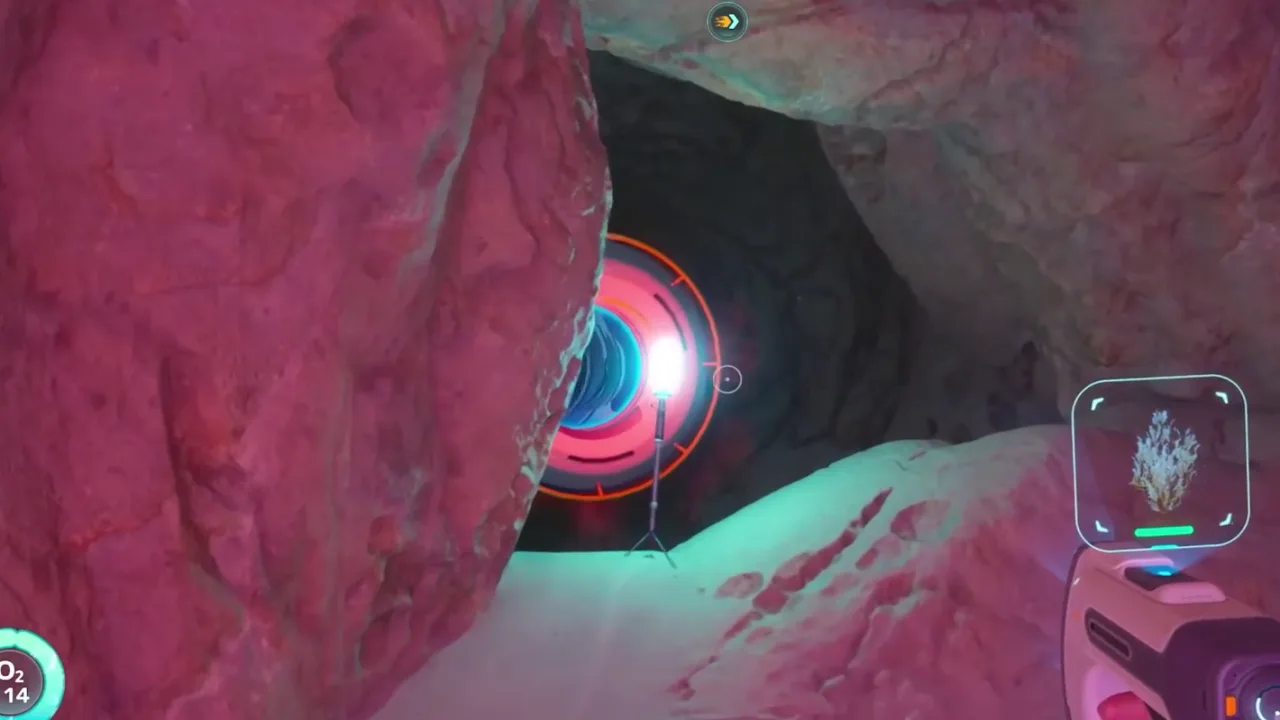
Hidden cache
The cache frame is the proof point for a hidden or easily missed source.
Action: Record the landmark and check whether the upgrade is unique or repeatable.
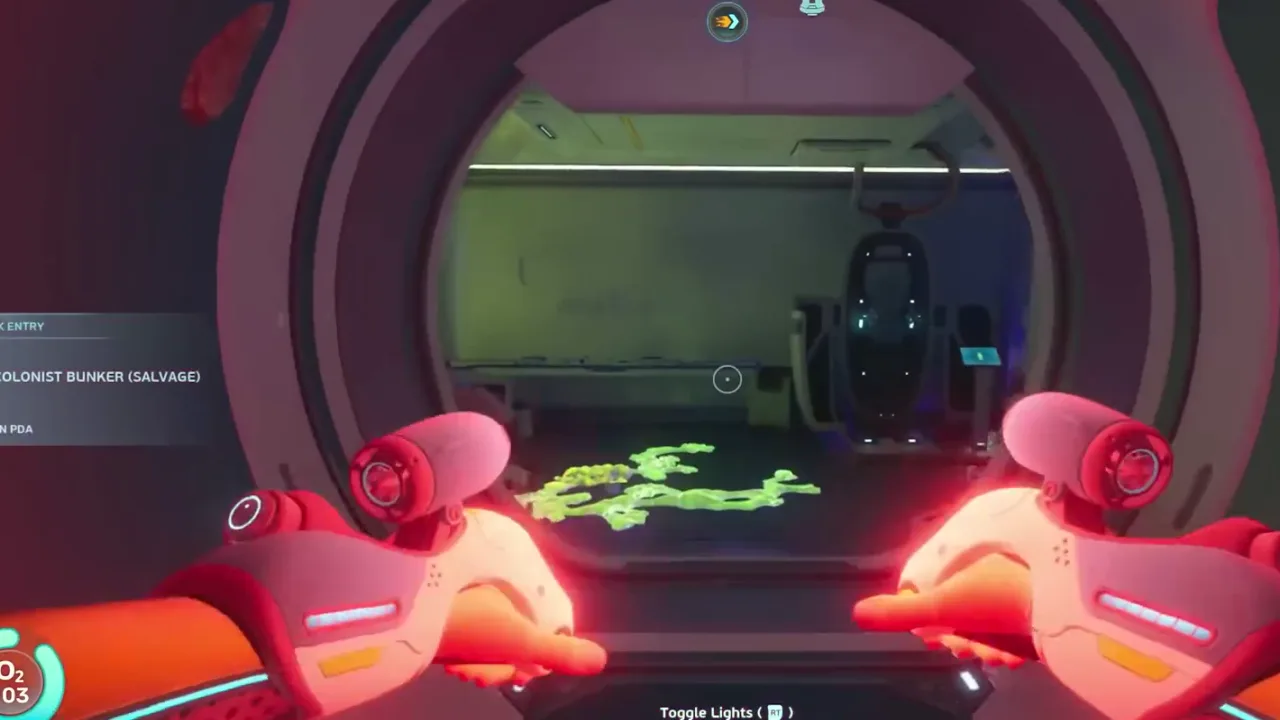
Upgrade room
The room frame confirms the capacity change belongs to progression, not random loot.
Action: Return with the new capacity and test a planned material route.
Video route timeline
Turn the video into playable checkpoints
Use this section like a second-screen route sheet. Open each checkpoint, compare the frame, do the action, then stop if your route no longer matches the video evidence. It keeps the guide useful even when Early Access shifts small placements or creature behavior.
00:25Checkpoint 1: Find one upgrade route and record the landmark.The route frame gives the travel context for the capacity unlock.Expand
Upgrade route
Inventory upgrades are route upgrades because they reduce forced returns.
Player action
Find one upgrade route and record the landmark.
Proof before moving on
The route frame gives the travel context for the capacity unlock.
Watch this timestampIf this fails
Dump low-priority materials and finish the upgrade route first.
01:15Checkpoint 2: Collect the upgrade before filling inventory with side materials.The cache frame is the proof point for a hidden or easily missed source.Expand
Hidden cache
Cache-style upgrade stops need a landmark and a clear return direction.
Player action
Collect the upgrade before filling inventory with side materials.
Proof before moving on
The cache frame is the proof point for a hidden or easily missed source.
Watch this timestampIf this fails
Sort base storage immediately so longer trips produce usable hauls.
04:11Checkpoint 3: Return and test which material route improves.The room frame confirms the capacity change belongs to progression, not random loot.Expand
Upgrade room
Once capacity improves, revisit material routes that were previously inventory-limited.
Player action
Return and test which material route improves.
Proof before moving on
The room frame confirms the capacity change belongs to progression, not random loot.
Watch this timestampIf this fails
Delay until oxygen and return-path confidence match the route.
00:25Checkpoint 4: Use added capacity for targeted resources, not random hoarding.The route frame gives the travel context for the capacity unlock.Expand
Upgrade route
Inventory upgrades are route upgrades because they reduce forced returns.
Player action
Use added capacity for targeted resources, not random hoarding.
Proof before moving on
The route frame gives the travel context for the capacity unlock.
Watch this timestampIf this fails
Dump low-priority materials and finish the upgrade route first.
01:15Checkpoint 5: Revisit older routes that were slot-limited.The cache frame is the proof point for a hidden or easily missed source.Expand
Hidden cache
Cache-style upgrade stops need a landmark and a clear return direction.
Player action
Revisit older routes that were slot-limited.
Proof before moving on
The cache frame is the proof point for a hidden or easily missed source.
Watch this timestampIf this fails
Sort base storage immediately so longer trips produce usable hauls.
Gameplay evidence
Screenshots to match before you keep swimming
Use these frames as visual checkpoints. If the terrain, lighting, or landmark does not match, slow down and re-check the route instead of forcing the next step.
Upgrade route
Inventory upgrades are route upgrades because they reduce forced returns.
Hidden cache
Cache-style upgrade stops need a landmark and a clear return direction.
Upgrade room
Once capacity improves, revisit material routes that were previously inventory-limited.
Route decision lab
Decide if this route is worth running now
This section turns the video into a practical in-game decision. Use it before leaving base, after the first landmark, and again before entering a deeper or darker area.
Route purpose
Inventory upgrades should be treated as route upgrades. Each expansion lets you bring home more useful materials, reduce forced returns, and revisit routes that were previously too slot-limited.
Visual checkpoint
Inventory upgrades are route upgrades because they reduce forced returns.
Map anchor
Inventory Expansion Upgrade Route in Upgrade pickup chain. Use it for use this when inventory capacity is the bottleneck on known resource routes.
Abort rule
Using more inventory space to carry low-value clutter.
Field manual translation
Inventory expansion changes route economics: longer trips become possible, but only if players keep a target list. The guide should show the route, hidden cache or upgrade source, and final room or interface so the upgrade is connected to better planning rather than hoarding.
Primary job
Increase useful carry capacity - More slots matter when they reduce return trips for a known objective.
Best entry habit
Upgrade route audit - Track each upgrade source so missed capacity does not become hidden friction.
Stop condition
No target list - Expanded inventory without a plan often creates more clutter.
Patch-safe reading
Exact item positions can shift during Early Access. The useful part of this page is the route logic: what to prepare, what visual cue to confirm, what objective to finish, and when to turn back.
Updated
2026-06-12 / tracking / Early Access
What this guide covers
Requirements
- Scanner
- Route memory
- Upgrade checklist
Use this if
You want a route you can follow from video evidence without needing exact official coordinates. The screenshots and steps are written to help you recognize areas, landmarks, and decisions while playing.
Early Access can move details. Treat this as a video-based walkthrough and verify landmarks in your own build.
Step-by-step walkthrough
Follow the video route without guessing
Find one upgrade route and record the landmark.
Use this step as a route checkpoint, not as a promise that every object spawns in one exact coordinate. Match the landmark, compare the screenshot, then continue only if the return path is still clear.
If your game build looks different, stay with the same decision: keep oxygen safe, scan or collect the current blocker, and return before pushing into the next unknown area.
Inventory upgrades are route upgrades because they reduce forced returns.
Collect the upgrade before filling inventory with side materials.
Use this step as a route checkpoint, not as a promise that every object spawns in one exact coordinate. Match the landmark, compare the screenshot, then continue only if the return path is still clear.
If your game build looks different, stay with the same decision: keep oxygen safe, scan or collect the current blocker, and return before pushing into the next unknown area.
Cache-style upgrade stops need a landmark and a clear return direction.
Return and test which material route improves.
Use this step as a route checkpoint, not as a promise that every object spawns in one exact coordinate. Match the landmark, compare the screenshot, then continue only if the return path is still clear.
If your game build looks different, stay with the same decision: keep oxygen safe, scan or collect the current blocker, and return before pushing into the next unknown area.
Once capacity improves, revisit material routes that were previously inventory-limited.
Use added capacity for targeted resources, not random hoarding.
Use this step as a route checkpoint, not as a promise that every object spawns in one exact coordinate. Match the landmark, compare the screenshot, then continue only if the return path is still clear.
If your game build looks different, stay with the same decision: keep oxygen safe, scan or collect the current blocker, and return before pushing into the next unknown area.
Inventory upgrades are route upgrades because they reduce forced returns.
Revisit older routes that were slot-limited.
Use this step as a route checkpoint, not as a promise that every object spawns in one exact coordinate. Match the landmark, compare the screenshot, then continue only if the return path is still clear.
If your game build looks different, stay with the same decision: keep oxygen safe, scan or collect the current blocker, and return before pushing into the next unknown area.
Cache-style upgrade stops need a landmark and a clear return direction.
After-action plan
What to do after the guide works
Bank the result
Revisit older routes that were slot-limited.
Clean the inventory
Move route-critical materials into labeled storage so the next dive starts with empty space and a clear job.
Pick the next guide
Which resources to prioritize first, which to store, and which to avoid hoarding until a recipe proves they matter.
Next route queue
Use these as the next blockers to solve after this route. Each queue card keeps the same evidence style: source video, gameplay frames, and a written checklist.
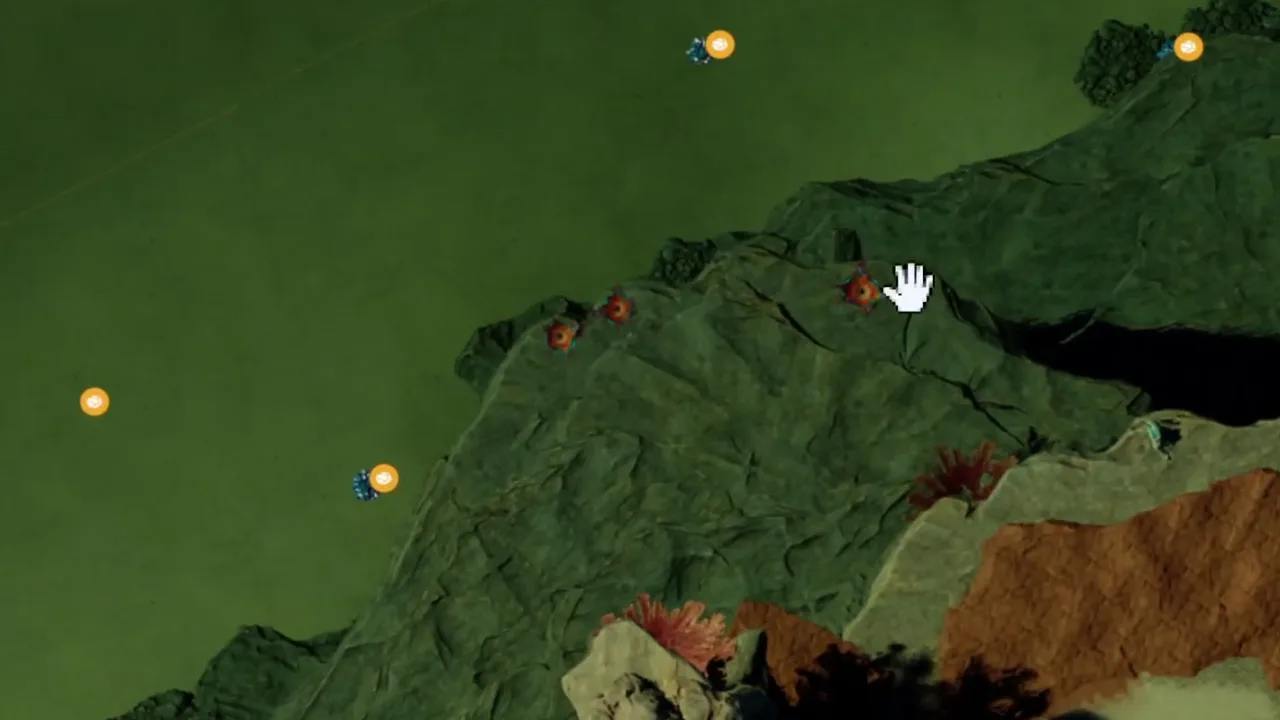 Best immediate follow-up
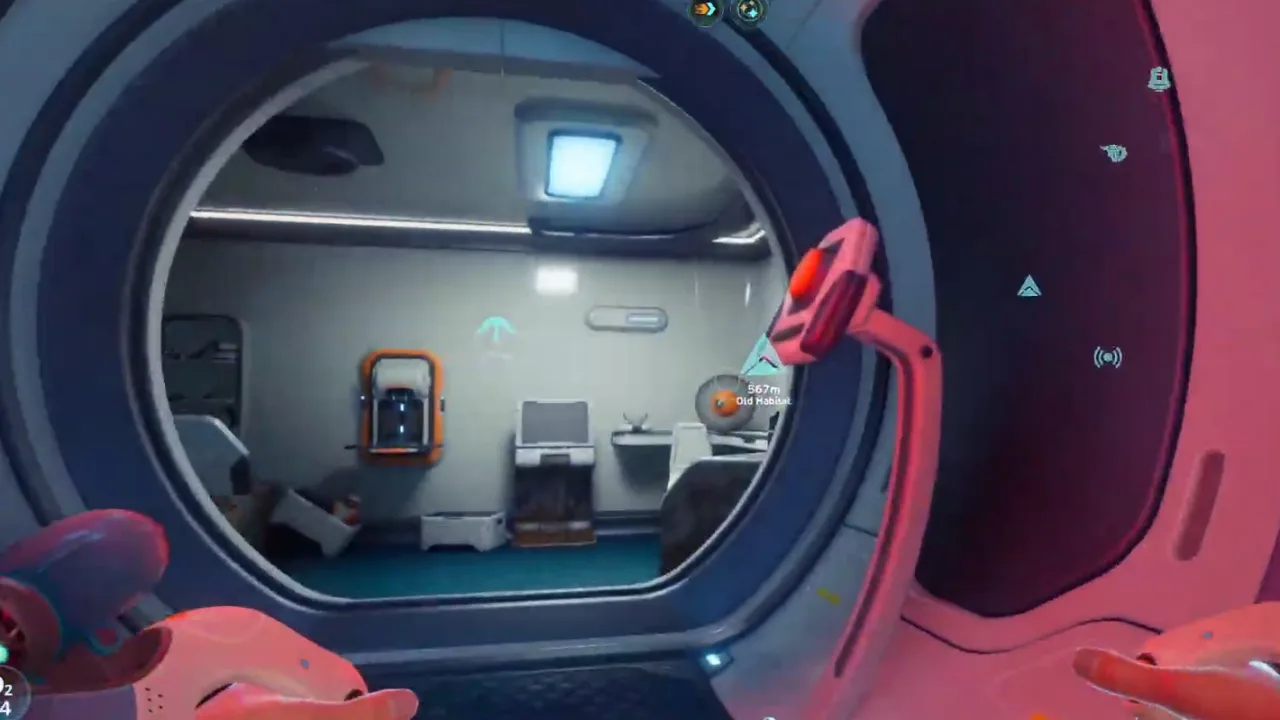
Resource Priority List
Which resources to prioritize first, which to store, and which to avoid hoarding until a recipe proves they matter.
 Use if the route branches
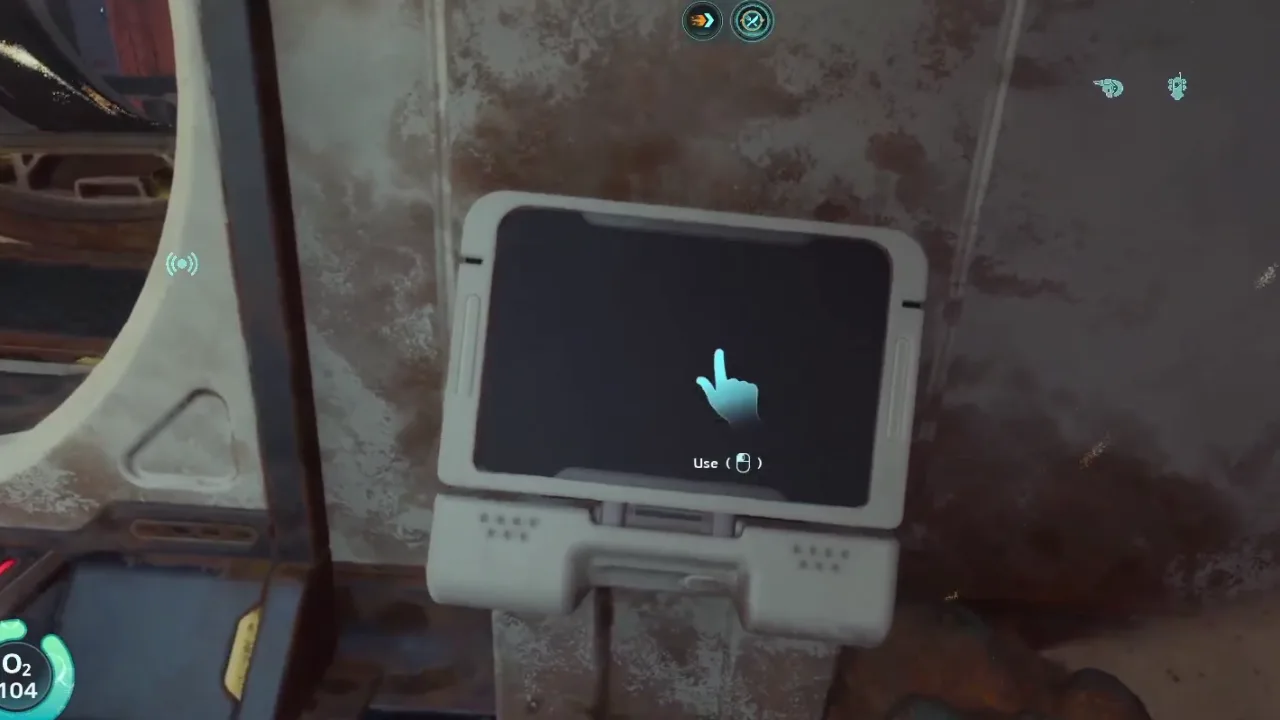
Equipment Blueprint Locations
A blueprint route guide for equipment unlocks, databox checks, scanner stops, and post-route crafting priorities.
 Save for the next dive
Scanner Station and Filters Guide
How to unlock, use, and think about Scanner Station filters so resource and blueprint routes become repeatable.
Detailed notes
Capacity changes route economics
More slots reduce the cost of each trip. That matters most for resource loops, blueprint cleanup, and routes where the old limit forced you to return early.
How to use this in-game
Turn this note into one action before leaving base: decide the objective, keep only the materials or tools that support it, then stop the route once the scan, pickup, or landmark is confirmed. This keeps the guide useful even when Early Access patches move small details.
Upgrade route format
Each entry should record route start, hidden cache or room, nearby hazard, and which old route becomes easier after the capacity increase.
Start
Cache
Hazard
Improved route
How to use this in-game
Turn this note into one action before leaving base: decide the objective, keep only the materials or tools that support it, then stop the route once the scan, pickup, or landmark is confirmed. This keeps the guide useful even when Early Access patches move small details.
After the upgrade
Immediately test a known material route. If the upgrade does not change what you can safely bring home, it may not have been the current priority.
How to use this in-game
Turn this note into one action before leaving base: decide the objective, keep only the materials or tools that support it, then stop the route once the scan, pickup, or landmark is confirmed. This keeps the guide useful even when Early Access patches move small details.
Inventory upgrades change every route
Inventory space looks like convenience, but it changes route economics. More space means fewer returns, cleaner material runs, and less pressure to throw away useful finds. Prioritize inventory upgrades when repeated trips are becoming slower than the objective itself.
How to use this in-game
Turn this note into one action before leaving base: decide the objective, keep only the materials or tools that support it, then stop the route once the scan, pickup, or landmark is confirmed. This keeps the guide useful even when Early Access patches move small details.
Avoid the larger-backpack trap
More inventory can also create worse habits. Do not use extra slots to carry random clutter. Use them to support focused routes: one objective, enough tools, and space for the specific materials or fragments you expect to bring back.
How to use this in-game
Turn this note into one action before leaving base: decide the objective, keep only the materials or tools that support it, then stop the route once the scan, pickup, or landmark is confirmed. This keeps the guide useful even when Early Access patches move small details.
Video route notes
Inventory Expansion Upgrades should be followed as a completion route, not as a memory test. Start by watching the first route movement and naming the entry condition before copying the path in-game. Find one upgrade route and record the landmark. Then pause again when the video reaches the first visible proof point, because that is where the guide changes from general advice into an action you can repeat. Collect the upgrade before filling inventory with side materials. If the route starts to feel different in your build, keep the same player goal: finish the unlock cleanly and know whether a return trip is needed.
Entry check: Scanner
Route action: Find one upgrade route and record the landmark.
Proof to look for: scan or pickup proof
Version note: Early Access / tracking
How to use this in-game
Turn this note into one action before leaving base: decide the objective, keep only the materials or tools that support it, then stop the route once the scan, pickup, or landmark is confirmed. This keeps the guide useful even when Early Access patches move small details.
Screenshot checkpoints
Use screenshots as checkpoints instead of decoration. The first image should answer where the route begins, the second should show what confirms progress, and the third should explain what to do after the scan, pickup, puzzle state, or threat read is visible. Return and test which material route improves. This is especially important in Early Access because exact positions can drift while landmarks, depth bands, room states, and player decisions stay useful. A good screenshot lets you say, "I am at the right kind of place," before you risk oxygen, storage space, or vehicle safety.
Entry frame: match the landmark before moving deeper
Proof frame: confirm scan or pickup proof
Exit frame: know the return direction before adding side goals
Loadout frame: check Route memory
How to use this in-game
Turn this note into one action before leaving base: decide the objective, keep only the materials or tools that support it, then stop the route once the scan, pickup, or landmark is confirmed. This keeps the guide useful even when Early Access patches move small details.
Stop rule and next dive
The most useful part of this page is the stop rule. Using more inventory space to carry low-value clutter. Skipping the landmark that made the upgrade route repeatable. When the objective is confirmed, return and convert it into progress: craft the upgrade, sort the material, save the route note, or mark the blocker as solved. If the route fails, do not repeat the same swim blindly. Change one variable at a time: enter from a clearer landmark, reduce inventory clutter, bring the missing tool, or wait until oxygen and vehicle support match the route. That turns a failed completion route into better field knowledge instead of another untracked cleanup sweep.
How to use this in-game
Turn this note into one action before leaving base: decide the objective, keep only the materials or tools that support it, then stop the route once the scan, pickup, or landmark is confirmed. This keeps the guide useful even when Early Access patches move small details.
Common mistakes
Using more inventory space to carry low-value clutter.
Skipping the landmark that made the upgrade route repeatable.
Forgetting to change resource priorities after the upgrade.
FAQ
Is this guide for the current Subnautica 2 build?
This page is written for Early Access and includes a visible update date. Treat exact values as tracking notes until the current build is field-tested.
Does this page use official screenshots?
Pages combine attributed official Steam / Unknown Worlds media, local gameplay frame captures, and source-video evidence cards. New player-submitted captures should keep the route, timestamp, and build context attached.
Community notes
Add a field report
Player reports enter a moderation queue. Approved notes can load from Supabase; pending drafts stay visible in this browser for follow-up.
Near starter shallows
Approx. 70-120m from pod
Confirm oxygen before leaving the first landmark. The route is much safer when you mark the return path before collecting side materials.
Guide-wide
N/A
Creature patrol ranges and fragment placement can shift between builds, so treat exact distances as field estimates until multiple players confirm them.