Video walkthrough
Watch the route, then match the frames
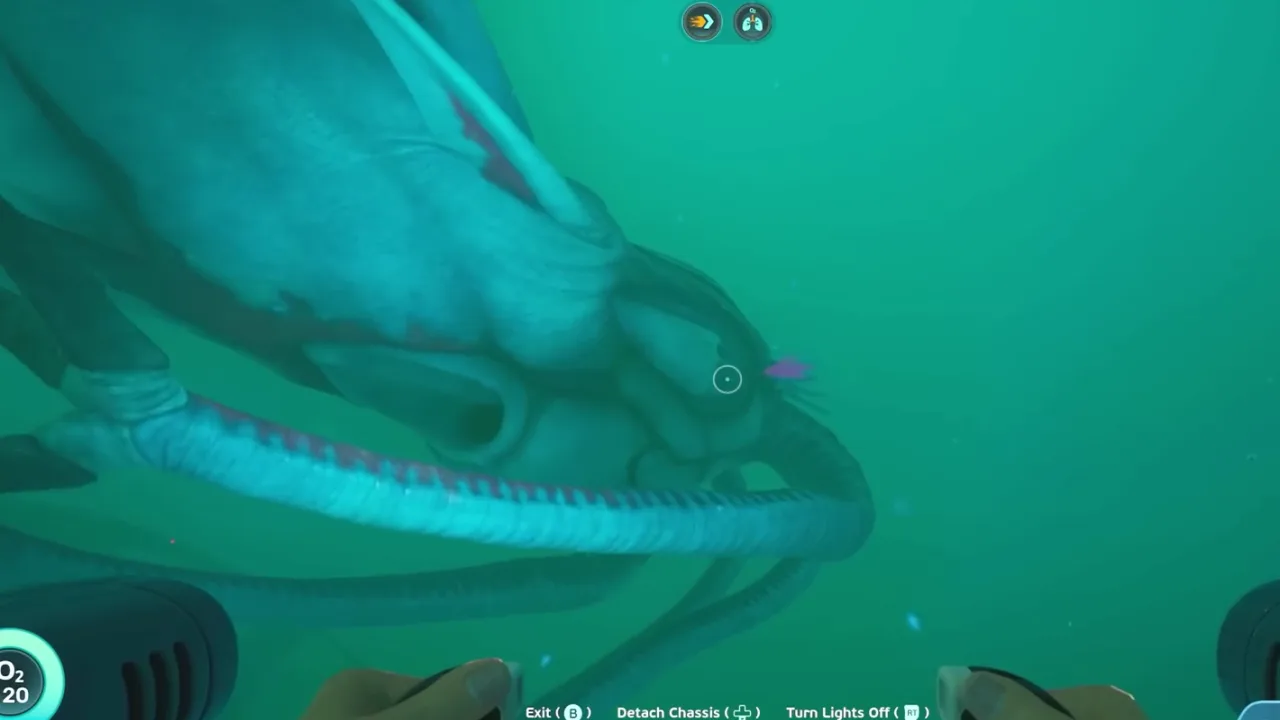
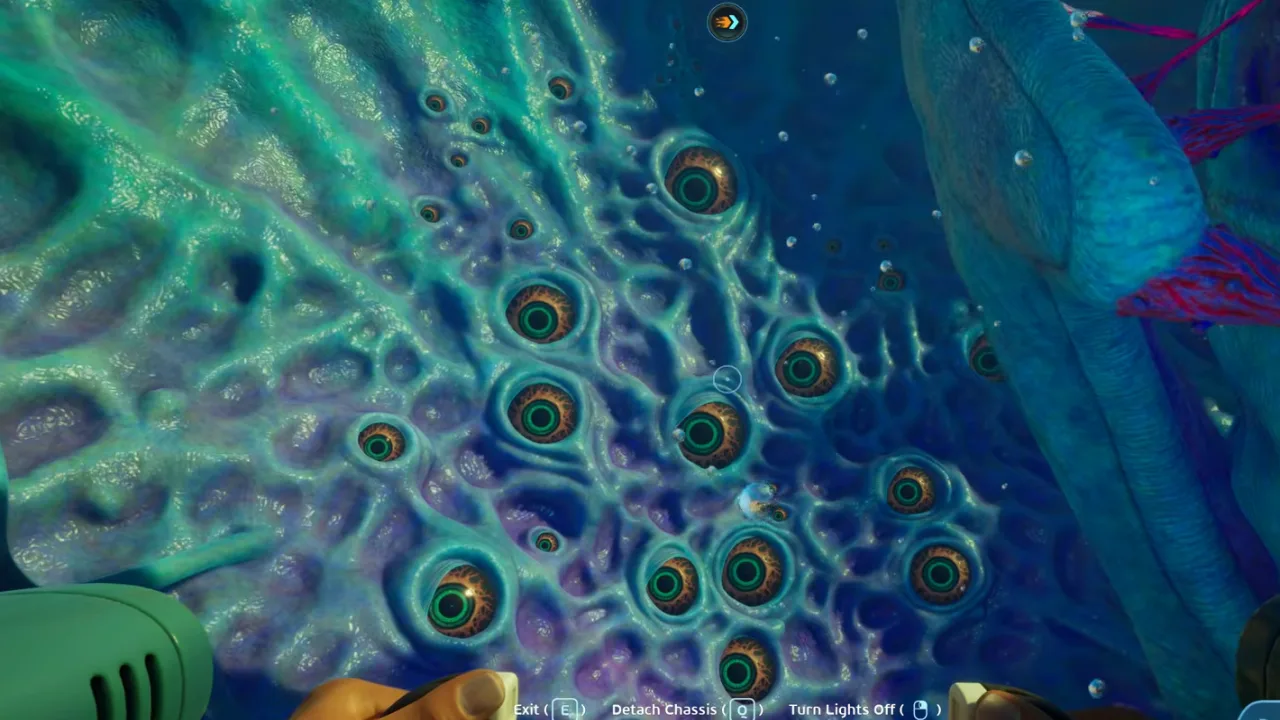 00:24Frame 1Start major threat pages with silhouette recognition so players identify danger before they are too close.
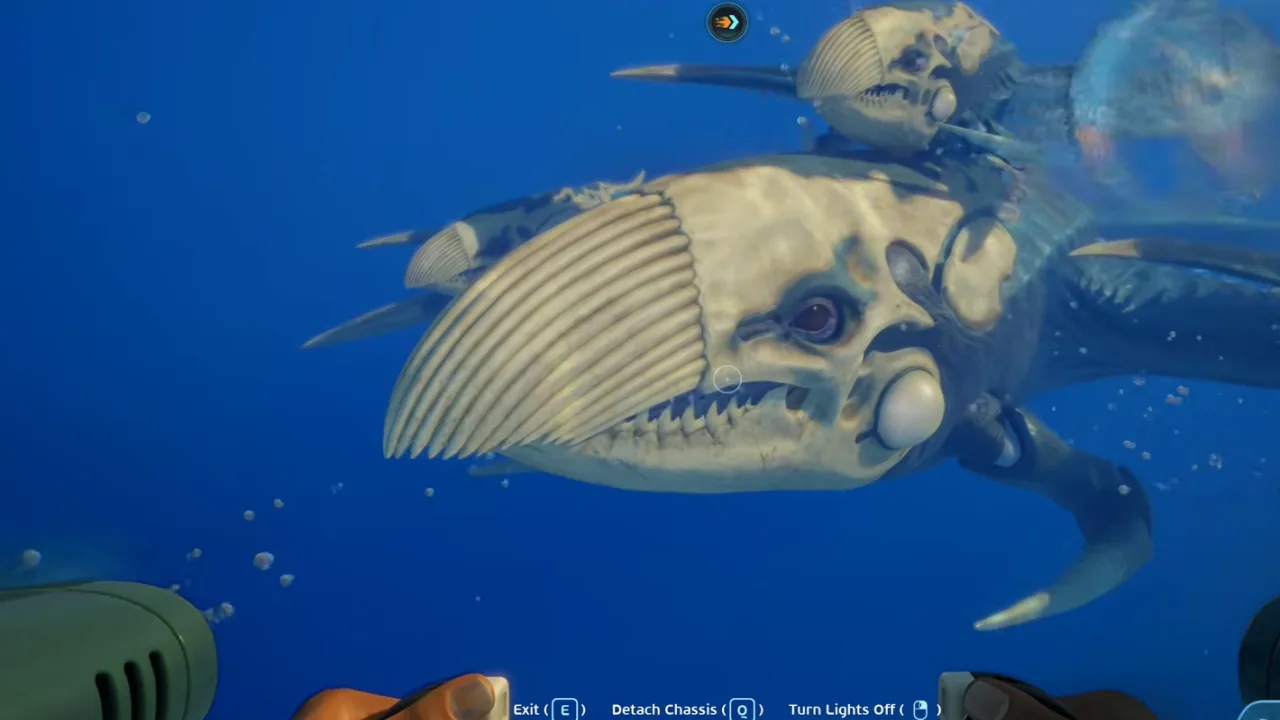 01:32Frame 2A readable posture turn is the point where the guide should shift from observation to escape.
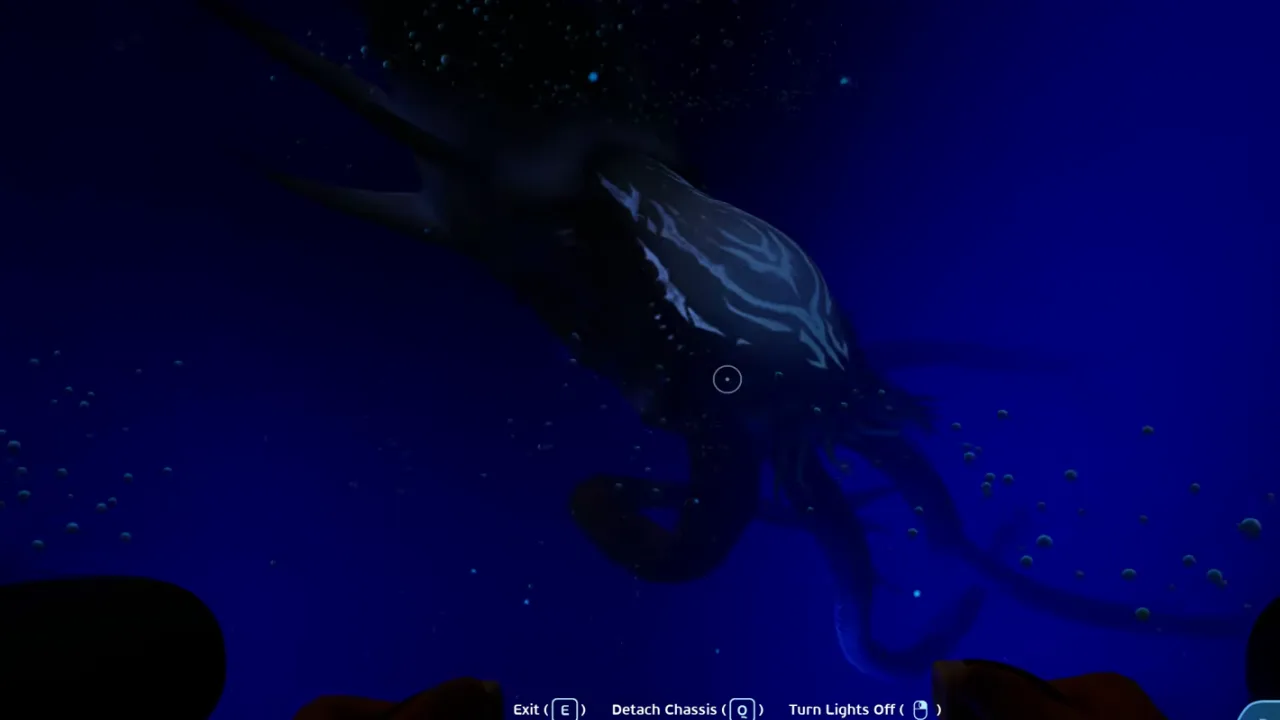 03:08Frame 3Every dangerous route needs a planned breakaway direction before it needs a scan attempt.
Video chapters
5 stepsVideo references
Watch or inspect the route before you dive
Click YouTube cards to load the player. Open frame cards to compare local screenshot notes. Use the evidence to confirm landmarks, movement, and encounter pacing, then follow the written checklist below.
Leviathan and boss overview reference
Watch for: Threat roster, attack cues, safe escape lines, and major creature recognition.
Attack cue frame review
Watch for: Start with All Leviathans and unique creatures reference at 01:32. Compare the screenshot cue, route note, and player action before following the guide in-game.
Escape line frame review
Watch for: Start with All Leviathans and unique creatures reference at 03:08. Compare the screenshot cue, route note, and player action before following the guide in-game.
Official update checks
Patch notes that can change this guide
Video watch notes
What to pause, compare, and write down
Do not watch the video like entertainment only. Use these notes as a second-screen checklist: pause on landmarks, confirm the player action, then return to the written route.
Watchlist
Pause on Threat roster and identify the landmark, depth band, or objective state before following the next step.
Use Attack cue to confirm what changed; if the video only shows a close-up, rebuild the route from the previous landmark.
Treat Escape line as the exit rule: finish the objective, return, and update storage or crafting before adding side goals.
Threat roster
Start major threat pages with silhouette recognition so players identify danger before they are too close.
Action: Scout the area before committing to scans or loot.
Attack cue
A readable posture turn is the point where the guide should shift from observation to escape.
Action: Identify exits and safe terrain.
Escape line
Every dangerous route needs a planned breakaway direction before it needs a scan attempt.
Action: Avoid carrying rare resources into unknown threats.
Video route timeline
Turn the video into playable checkpoints
Use this section like a second-screen route sheet. Open each checkpoint, compare the frame, do the action, then stop if your route no longer matches the video evidence. It keeps the guide useful even when Early Access shifts small placements or creature behavior.
00:24Checkpoint 1: Scout the area before committing to scans or loot.Start major threat pages with silhouette recognition so players identify danger before they are too close.Expand
Threat roster
Start major threat pages with silhouette recognition so players identify danger before they are too close.
Player action
Scout the area before committing to scans or loot.
Proof before moving on
Start major threat pages with silhouette recognition so players identify danger before they are too close.
Watch this timestampIf this fails
Reset to the last confirmed landmark or objective state, then repeat only the route-critical step.
01:32Checkpoint 2: Identify exits and safe terrain.A readable posture turn is the point where the guide should shift from observation to escape.Expand
Attack cue
A readable posture turn is the point where the guide should shift from observation to escape.
Player action
Identify exits and safe terrain.
Proof before moving on
A readable posture turn is the point where the guide should shift from observation to escape.
Watch this timestampIf this fails
Use the video frame as evidence, but record entry, proof, and exit as separate notes.
03:08Checkpoint 3: Avoid carrying rare resources into unknown threats.Every dangerous route needs a planned breakaway direction before it needs a scan attempt.Expand
Escape line
Every dangerous route needs a planned breakaway direction before it needs a scan attempt.
Player action
Avoid carrying rare resources into unknown threats.
Proof before moving on
Every dangerous route needs a planned breakaway direction before it needs a scan attempt.
Watch this timestampIf this fails
Return, craft, sort storage, or retest the route before turning this page into a longer objective chain.
00:24Checkpoint 4: Scan only when you can abort safely.Start major threat pages with silhouette recognition so players identify danger before they are too close.Expand
Threat roster
Start major threat pages with silhouette recognition so players identify danger before they are too close.
Player action
Scan only when you can abort safely.
Proof before moving on
Start major threat pages with silhouette recognition so players identify danger before they are too close.
Watch this timestampIf this fails
Reset to the last confirmed landmark or objective state, then repeat only the route-critical step.
01:32Checkpoint 5: Update notes after patches change behavior.A readable posture turn is the point where the guide should shift from observation to escape.Expand
Attack cue
A readable posture turn is the point where the guide should shift from observation to escape.
Player action
Update notes after patches change behavior.
Proof before moving on
A readable posture turn is the point where the guide should shift from observation to escape.
Watch this timestampIf this fails
Use the video frame as evidence, but record entry, proof, and exit as separate notes.
Gameplay evidence
Screenshots to match before you keep swimming
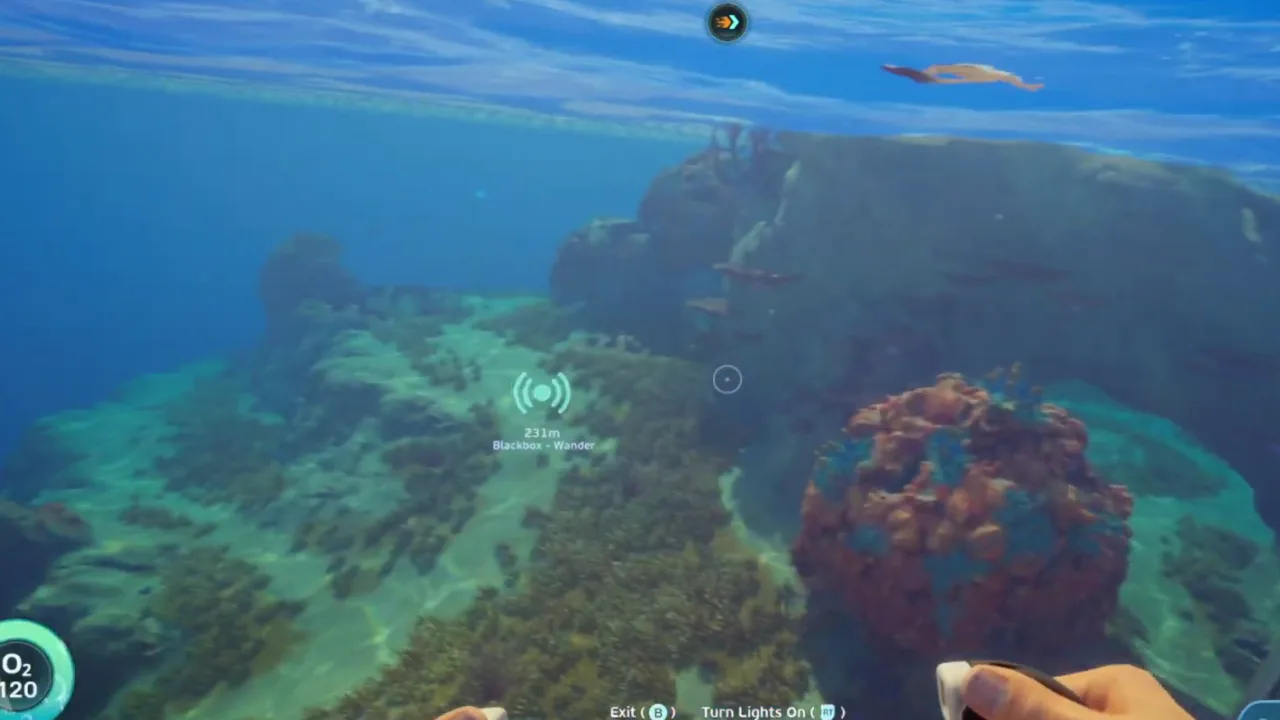
Use these frames as visual checkpoints. If the terrain, lighting, or landmark does not match, slow down and re-check the route instead of forcing the next step.
Threat roster
Start major threat pages with silhouette recognition so players identify danger before they are too close.
Attack cue
A readable posture turn is the point where the guide should shift from observation to escape.
Escape line
Every dangerous route needs a planned breakaway direction before it needs a scan attempt.
Route decision lab
Decide if this route is worth running now
This section turns the video into a practical in-game decision. Use it before leaving base, after the first landmark, and again before entering a deeper or darker area.
Route purpose
Prepare for major threats by scouting exits, carrying only mission-critical items, scanning from safety, and leaving before the encounter turns into a panic route.
Visual checkpoint
Start major threat pages with silhouette recognition so players identify danger before they are too close.
Map anchor
Boss Threat Overview Edge in Threat transition edge. Use it for use this before treating any large creature zone as a loot route.
Abort rule
Treating a first encounter like a fight to win.
Field manual translation
Prepare for major threats by scouting exits, carrying only mission-critical items, scanning from safety, and leaving before the encounter turns into a panic route. Use this threat route manual as a second-screen checklist: identify the entry condition, confirm the objective with a visual proof point, then stop when the return rule is met. This keeps the article practical for Early Access patches without pretending every coordinate or state is final.
Primary job
High - Scout the area before committing to scans or loot.
Best entry habit
Oxygen buffer - Identify exits and safe terrain.
Stop condition
Treating a first encounter like a fight to win. - Avoid carrying rare resources into unknown threats.
Patch-safe reading
Exact item positions can shift during Early Access. The useful part of this page is the route logic: what to prepare, what visual cue to confirm, what objective to finish, and when to turn back.
Updated
2026-06-12 / tracking / Early Access
What this guide covers
Requirements
- Oxygen buffer
- Escape route
- Low-value inventory
Use this if
You want a route you can follow from video evidence without needing exact official coordinates. The screenshots and steps are written to help you recognize areas, landmarks, and decisions while playing.
Early Access can move details. Treat this as a video-based walkthrough and verify landmarks in your own build.
Step-by-step walkthrough
Follow the video route without guessing
Scout the area before committing to scans or loot.
Use this step as a route checkpoint, not as a promise that every object spawns in one exact coordinate. Match the landmark, compare the screenshot, then continue only if the return path is still clear.
If your game build looks different, stay with the same decision: keep oxygen safe, scan or collect the current blocker, and return before pushing into the next unknown area.
Start major threat pages with silhouette recognition so players identify danger before they are too close.
Identify exits and safe terrain.
Use this step as a route checkpoint, not as a promise that every object spawns in one exact coordinate. Match the landmark, compare the screenshot, then continue only if the return path is still clear.
If your game build looks different, stay with the same decision: keep oxygen safe, scan or collect the current blocker, and return before pushing into the next unknown area.
A readable posture turn is the point where the guide should shift from observation to escape.
Avoid carrying rare resources into unknown threats.
Use this step as a route checkpoint, not as a promise that every object spawns in one exact coordinate. Match the landmark, compare the screenshot, then continue only if the return path is still clear.
If your game build looks different, stay with the same decision: keep oxygen safe, scan or collect the current blocker, and return before pushing into the next unknown area.
Every dangerous route needs a planned breakaway direction before it needs a scan attempt.
Scan only when you can abort safely.
Use this step as a route checkpoint, not as a promise that every object spawns in one exact coordinate. Match the landmark, compare the screenshot, then continue only if the return path is still clear.
If your game build looks different, stay with the same decision: keep oxygen safe, scan or collect the current blocker, and return before pushing into the next unknown area.
Start major threat pages with silhouette recognition so players identify danger before they are too close.
Update notes after patches change behavior.
Use this step as a route checkpoint, not as a promise that every object spawns in one exact coordinate. Match the landmark, compare the screenshot, then continue only if the return path is still clear.
If your game build looks different, stay with the same decision: keep oxygen safe, scan or collect the current blocker, and return before pushing into the next unknown area.
A readable posture turn is the point where the guide should shift from observation to escape.
After-action plan
What to do after the guide works
Bank the result
Update notes after patches change behavior.
Clean the inventory
Move route-critical materials into labeled storage so the next dive starts with empty space and a clear job.
Pick the next guide
How to approach large predator and leviathan-class threat zones without losing scans, resources, or your return route.
Next route queue
Use these as the next blockers to solve after this route. Each queue card keeps the same evidence style: source video, gameplay frames, and a written checklist.
 Best immediate follow-up
Leviathan-Class Threats
How to approach large predator and leviathan-class threat zones without losing scans, resources, or your return route.
 Use if the route branches
How to Survive the First Major Encounter
A panic-proof checklist for the first time Subnautica 2 turns exploration into a serious threat encounter.
 Save for the next dive
Oxygen and Survival Tips
Survival habits for oxygen timers, inventory pressure, food, water, and route discipline in Subnautica 2.
Detailed notes
Bosses in a survival game are route tests
Subnautica threats usually test preparation more than damage output. This first version tracks preparation patterns until exact encounter mechanics are verified.
How to use this in-game
Turn this note into one action before leaving base: decide the objective, keep only the materials or tools that support it, then stop the route once the scan, pickup, or landmark is confirmed. This keeps the guide useful even when Early Access patches move small details.
Threat file checklist
Each future encounter page should record trigger, safe approach, scan window, escape route, reward, and patch notes.
Trigger
Safe approach
Escape route
Reward
How to use this in-game
Turn this note into one action before leaving base: decide the objective, keep only the materials or tools that support it, then stop the route once the scan, pickup, or landmark is confirmed. This keeps the guide useful even when Early Access patches move small details.
Threat pages are preparation pages
A major threat guide should not encourage players to race toward danger. Its job is to teach recognition, approach angle, abort timing, and what the encounter blocks. Before entering a threat route, decide whether the objective is observation, scanning, escape practice, or progression. Mixing those goals usually turns a controlled approach into a panic retreat.
How to use this in-game
Turn this note into one action before leaving base: decide the objective, keep only the materials or tools that support it, then stop the route once the scan, pickup, or landmark is confirmed. This keeps the guide useful even when Early Access patches move small details.
How to use video evidence safely
When a video shows a creature route, watch the terrain more than the dramatic moment. Note where the player had cover, when visibility changed, and what escape lane remained open. If your build or route does not match those conditions, treat the video as behavior evidence rather than a command to copy the exact swim.
How to use this in-game
Turn this note into one action before leaving base: decide the objective, keep only the materials or tools that support it, then stop the route once the scan, pickup, or landmark is confirmed. This keeps the guide useful even when Early Access patches move small details.
Video route notes
Bosses and Threats Overview should be followed as a threat route, not as a memory test. Start by watching the first route movement and naming the entry condition before copying the path in-game. Scout the area before committing to scans or loot. Then pause again when the video reaches the first visible proof point, because that is where the guide changes from general advice into an action you can repeat. Identify exits and safe terrain. If the route starts to feel different in your build, keep the same player goal: recognize the danger window before committing to the approach.
Entry check: Oxygen buffer
Route action: Scout the area before committing to scans or loot.
Proof to look for: creature behavior proof
Version note: Early Access / tracking
How to use this in-game
Turn this note into one action before leaving base: decide the objective, keep only the materials or tools that support it, then stop the route once the scan, pickup, or landmark is confirmed. This keeps the guide useful even when Early Access patches move small details.
Screenshot checkpoints
Use screenshots as checkpoints instead of decoration. The first image should answer where the route begins, the second should show what confirms progress, and the third should explain what to do after the scan, pickup, puzzle state, or threat read is visible. Avoid carrying rare resources into unknown threats. This is especially important in Early Access because exact positions can drift while landmarks, depth bands, room states, and player decisions stay useful. A good screenshot lets you say, "I am at the right kind of place," before you risk oxygen, storage space, or vehicle safety.
Entry frame: match the landmark before moving deeper
Proof frame: confirm creature behavior proof
Exit frame: know the return direction before adding side goals
Loadout frame: check Escape route
How to use this in-game
Turn this note into one action before leaving base: decide the objective, keep only the materials or tools that support it, then stop the route once the scan, pickup, or landmark is confirmed. This keeps the guide useful even when Early Access patches move small details.
Stop rule and next dive
The most useful part of this page is the stop rule. Treating a first encounter like a fight to win. Trying to scan while cornered. When the objective is confirmed, return and convert it into progress: craft the upgrade, sort the material, save the route note, or mark the blocker as solved. If the route fails, do not repeat the same swim blindly. Change one variable at a time: enter from a clearer landmark, reduce inventory clutter, bring the missing tool, or wait until oxygen and vehicle support match the route. That turns a failed threat route into better field knowledge instead of another late retreat.
How to use this in-game
Turn this note into one action before leaving base: decide the objective, keep only the materials or tools that support it, then stop the route once the scan, pickup, or landmark is confirmed. This keeps the guide useful even when Early Access patches move small details.
Common mistakes
Treating a first encounter like a fight to win.
Trying to scan while cornered.
Returning immediately without changing preparation.
FAQ
Is this guide for the current Subnautica 2 build?
This page is written for Early Access and includes a visible update date. Treat exact values as tracking notes until the current build is field-tested.
Does this page use official screenshots?
Pages combine attributed official Steam / Unknown Worlds media, local gameplay frame captures, and source-video evidence cards. New player-submitted captures should keep the route, timestamp, and build context attached.
Community notes
Add a field report
Player reports enter a moderation queue. Approved notes can load from Supabase; pending drafts stay visible in this browser for follow-up.
Near starter shallows
Approx. 70-120m from pod
Confirm oxygen before leaving the first landmark. The route is much safer when you mark the return path before collecting side materials.
Guide-wide
N/A
Creature patrol ranges and fragment placement can shift between builds, so treat exact distances as field estimates until multiple players confirm them.